Skip to content
  • Home
    • Home: hero scene
    • Home: slideshow background
    • Home: full screen slider
    • Home: full screen video
    • Home: creative
    • Home: shop with slideshow
    • Home: shop with banners
    • Home: category banners
  • About
    • About company
    • Our team
    • Team member page layout
    • Terms and Conditions
    • Search results page
    • 404 page
    • Demo design system
  • Services
    • Services list
    • Service inner page
  • Portfolio
    • Portfolio grid
    • Portfolio grid with overlay
    • Portfolio masonry
    • Portfolio list
    • Project layouts
      • Project page layout 1
      • Project page layout 2
      • Project page layout 3
      • Project page layout 4
  • Blog
    • Blog grid
    • Blog grid with overlay
    • Blog masonry
    • Blog list
    • Post layouts
      • Blog post layout 1
      • Blog post layout 2
      • Blog post layout 3
  • Contact
    • Contact page 1
    • Contact page 2
  • Shop
    • Shop: filters in sidebar
    • Shop: filters in popup
    • Product page: simple
    • Product page: side tabs
    • Product page: top tabs
  • Elements
    • The corresponding post type is disabled. Please make sure to 1) install The7 Elements plugin under The7 > Plugins and 2) enable desired post types under The7 > My The7, in the Settings section.

      The corresponding post type is disabled. Please make sure to 1) install The7 Elements plugin under The7 > Plugins and 2) enable desired post types under The7 > My The7, in the Settings section.
      The corresponding post type is disabled. Please make sure to 1) install The7 Elements plugin under The7 > Plugins and 2) enable desired post types under The7 > My The7, in the Settings section.
      The corresponding post type is disabled. Please make sure to 1) install The7 Elements plugin under The7 > Plugins and 2) enable desired post types under The7 > My The7, in the Settings section.

      The corresponding post type is disabled. Please make sure to 1) install The7 Elements plugin under The7 > Plugins and 2) enable desired post types under The7 > My The7, in the Settings section.

Technology

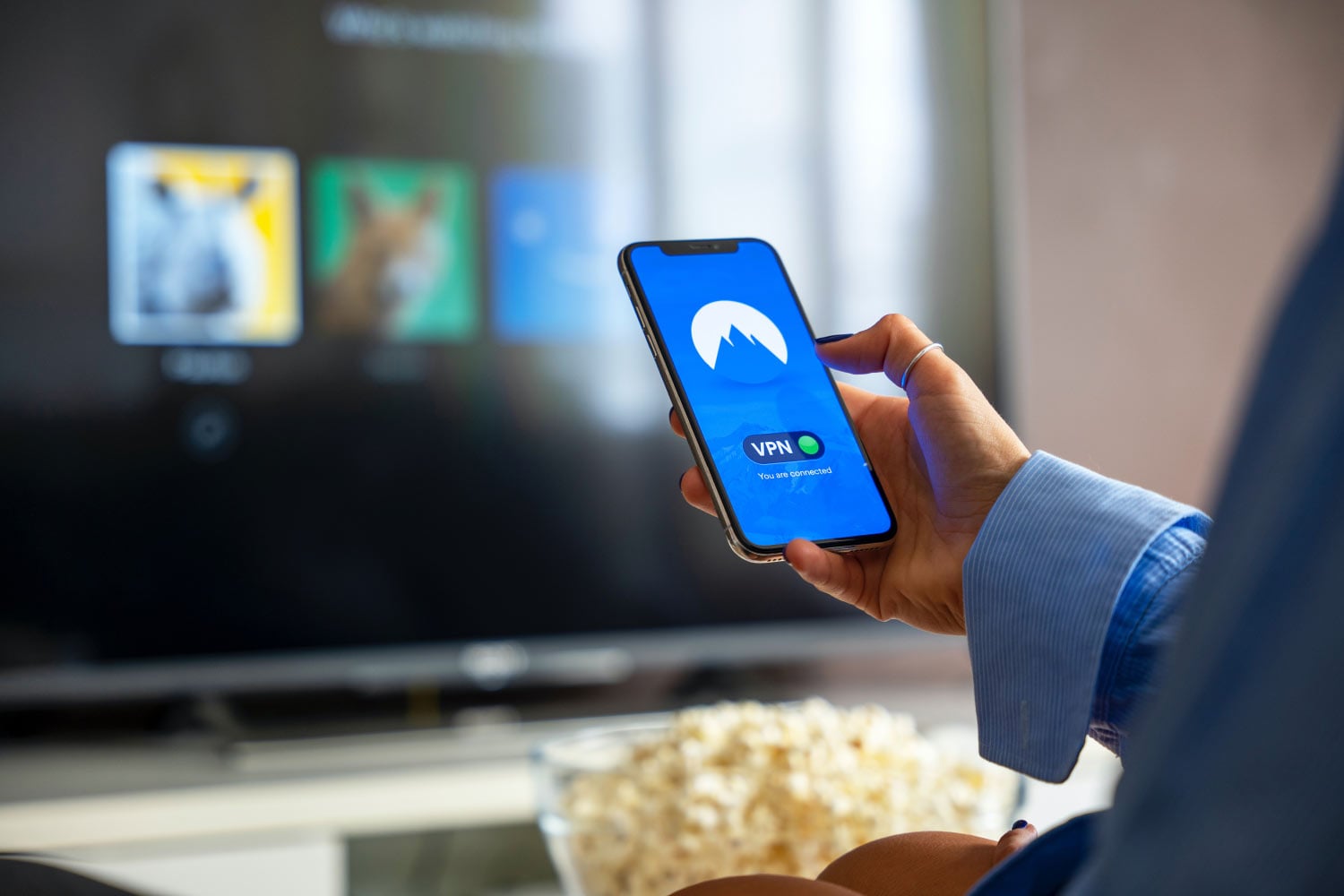
Lorem ipsum VPN: dolor nulla & amet glavrida morbi
TechnologyJanuary 3, 2023
Best turpis of urna consectetur in sagittis dolor
TechnologyJanuary 2, 2023
What eleifend posuere tincidunt
TechnologyMarch 8, 2019
How to make your malesuada lorem
TechnologyJanuary 1, 2018

Reach us Monday – Friday
9 am – 6 pm (UTC+7)

Call: 1-001-234-5678

Email us

Company

  • About
  • Team
  • Showcase
  • News

Services

  • Websites & Ecommerce
  • Mobile Apps
  • Creative Services
  • Marketing Services

Connect

© 2026 The Seven. All Rights Reserved.

Demo design system
Terms & conditions
Contact
Go to Top

Menu

  • Home
    • Home: hero scene
    • Home: slideshow background
    • Home: full screen slider
    • Home: full screen video
    • Home: creative
    • Home: shop with slideshow
    • Home: shop with banners
    • Home: category banners
  • About
    • About company
    • Our team
    • Team member page layout
    • Terms and Conditions
    • Search results page
    • 404 page
    • Demo design system
  • Services
    • Services list
    • Service inner page
  • Portfolio
    • Portfolio grid
    • Portfolio grid with overlay
    • Portfolio masonry
    • Portfolio list
    • Project layouts
      • Project page layout 1
      • Project page layout 2
      • Project page layout 3
      • Project page layout 4
  • Blog
    • Blog grid
    • Blog grid with overlay
    • Blog masonry
    • Blog list
    • Post layouts
      • Blog post layout 1
      • Blog post layout 2
      • Blog post layout 3
  • Contact
    • Contact page 1
    • Contact page 2
  • Shop
    • Shop: filters in sidebar
    • Shop: filters in popup
    • Product page: simple
    • Product page: side tabs
    • Product page: top tabs
  • Elements